> For the complete documentation index, see [llms.txt](https://rtx-dev.gitbook.io/rtxdev/llms.txt). Markdown versions of documentation pages are available by appending `.md` to page URLs; this page is available as [Markdown](https://rtx-dev.gitbook.io/rtxdev/rtx-shell-creator/guides/walls-and-rooms.md).
# Walls & Rooms
Draw walls and rooms of any shape.
{% hint style="info" %}
**Watch it:** [Draw rooms in 2D and 3D - 1:12](https://www.youtube.com/watch?v=EPpvW_mne4Y\&t=72s) · [Smart rooms - 1:26](https://www.youtube.com/watch?v=EPpvW_mne4Y\&t=86s)
{% endhint %}
## Walls (W)
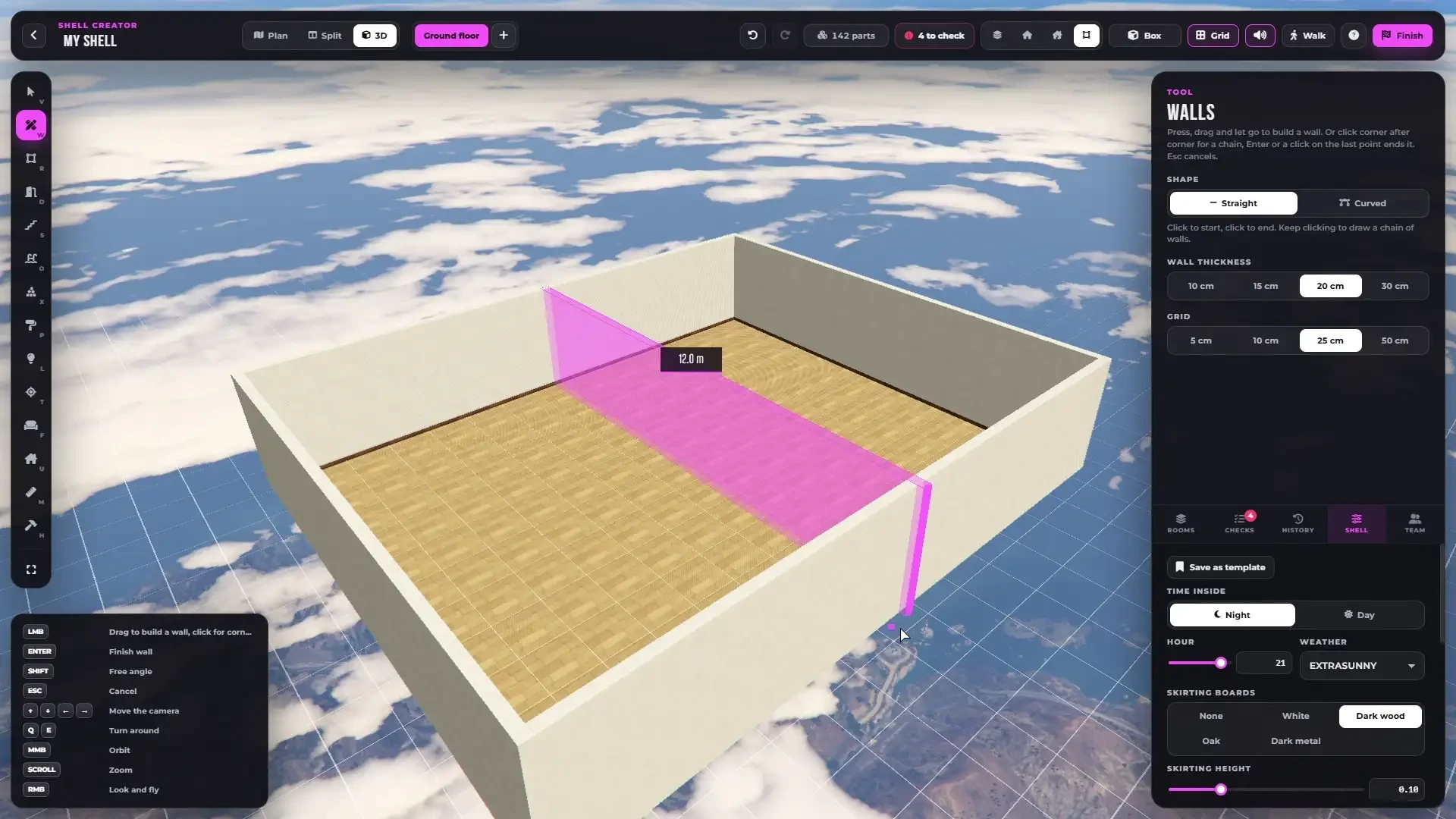
Drawing a wall straight in 3D - the length shows while you drag.
* **Press, drag and release** to build one wall
* Or **click corner after corner** for a chain. `Enter`, a right click or a click on the last point ends it, `Esc` cancels
* **Curved walls** - pick **Curved**, click the start and the end, move the mouse to bend it and click again
* Hold `Shift` for a free angle
* **Thickness** 10, 15, 20 or 30 cm
* **Grid** 5, 10, 25 or 50 cm, saved per shell
A room appears by itself wherever walls close a space.
### Selected wall
* Length, thickness and curve
* Skirting of this wall
* Material of each side of the wall
* **Split in half**, **Swap direction** and **Delete**
* Drag the wall, its ends or its middle handle to move or bend it
{% hint style="warning" %}
Curved walls cannot have doors or windows.
{% endhint %}
***
## Rooms (R)
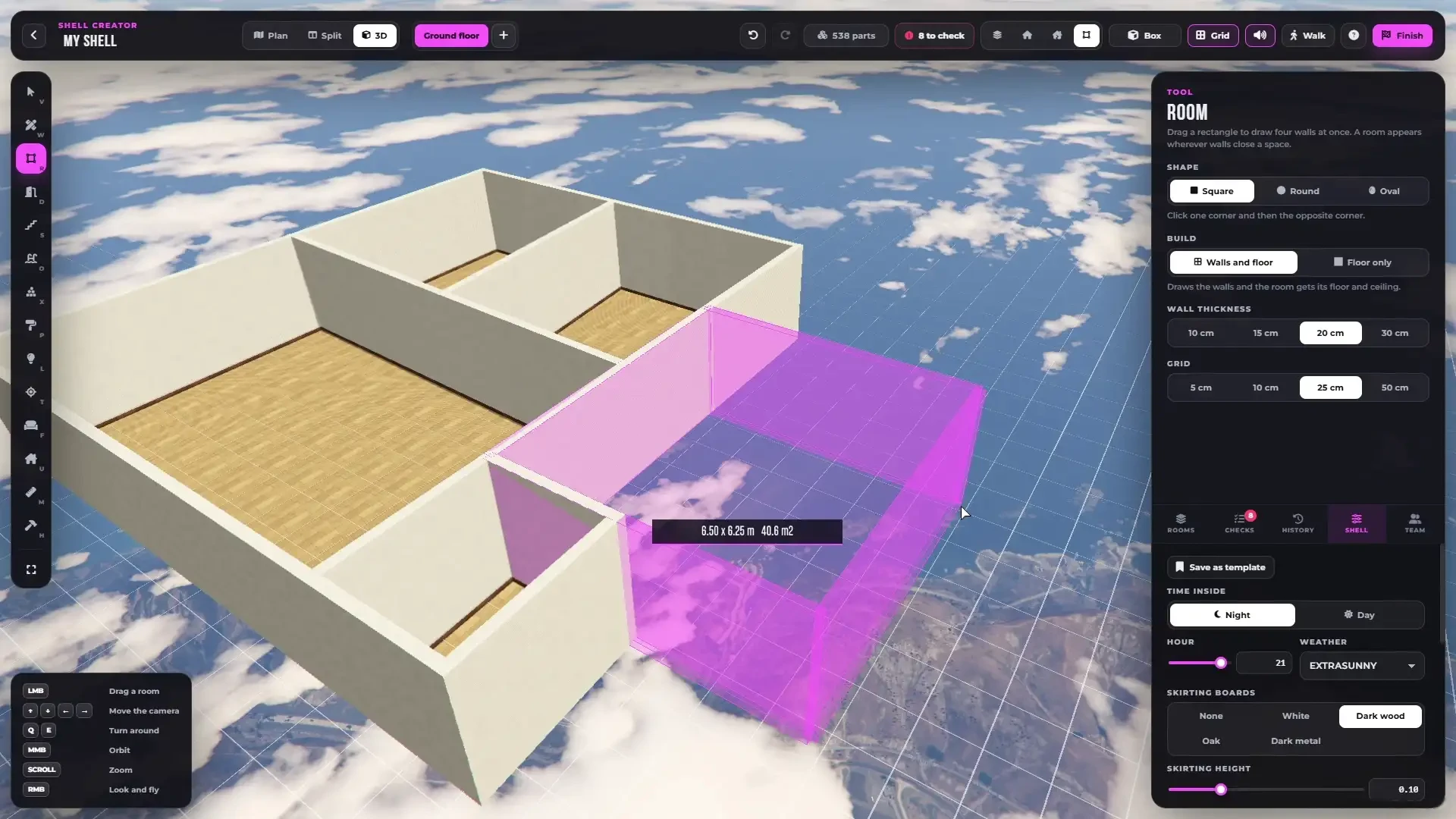
Drag out a whole room at once - on the floor plan or straight in 3D.
{% columns %}
{% column width="50%" %}
On the 2D plan
{% endcolumn %}
{% column width="50%" %}
Straight in 3D
{% endcolumn %}
{% endcolumns %}
| Shape | How |
| ---------- | --------------------------------------------- |
| **Square** | From corner to corner |
| **Round** | From the centre, then the size |
| **Oval** | From the centre, then the width and the depth |
**Build**:
* **Walls and floor** - a room with walls, floor and ceiling
* **Floor only** - just a floor, for open areas, terraces or a round floor inside a bigger room
***
## Selected Room
Click inside a room to select it.
A selected living room - its floor, walls, ceiling and one-click furnishing.
* **Name** and **Room type** - Living room, Bedroom, Kitchen, Bathroom, Hallway, Office, Dining room, Garage, Storage, Kids room, Laundry or Room
* **Floor**, **Walls** and **Ceiling** materials
* **Time inside** - the shell default, night or day for this room
* **Skirting** and **Crown** moulding
* **Ceiling** on or off
* **Open to the floor above** - a double-height room. The floor above gets a hole with a glass or metal railing
* **Furnish** - fills the room with furniture that fits its type
* **Add light** - a ceiling light in the middle
* **Copy room** - click where the copy goes. Walls, doors, windows, built-ins, furniture and lights are copied. Switch floors first to copy it upstairs
* **Go there** and **Delete**
{% hint style="info" %}
Deleting a room deletes its own walls with their doors and windows. Walls it shares with other rooms stay.
{% endhint %}
***
## Rooms Tab
The **Rooms** tab lists every room by floor with its area. Click one to select it and fly the camera there.
***
## Measure (M)
Click and drag on the plan to measure any distance. Walls show their length and rooms their area all the time.