> For the complete documentation index, see [llms.txt](https://rtx-dev.gitbook.io/rtxdev/llms.txt). Markdown versions of documentation pages are available by appending `.md` to page URLs; this page is available as [Markdown](https://rtx-dev.gitbook.io/rtxdev/rtx-shell-creator/guides/paint-and-materials.md).

# Paint & Materials

104 materials, 64 tint colours, your own colours and your own textures.

Pick the **Paint** tool (`P`), choose what to paint and a material, then click.

{% hint style="info" %}
**Watch it:** [Paint tile by tile - 3:08](https://www.youtube.com/watch?v=EPpvW_mne4Y\&t=188s) · [Textures, colours & your own textures - 3:33](https://www.youtube.com/watch?v=EPpvW_mne4Y\&t=213s) · [Styles - 5:30](https://www.youtube.com/watch?v=EPpvW_mne4Y\&t=330s)
{% endhint %}

## What You Can Paint

| Target             | What it paints                                                    |
| ------------------ | ----------------------------------------------------------------- |
| **Automatic**      | Whatever floor or wall is under the mouse                         |
| **Floor**          | The floor of a whole room                                         |
| **Walls**          | All walls of a room                                               |
| **Ceiling**        | The ceiling of a room                                             |
| **Wall side**      | One side of one wall                                              |
| **Part of a wall** | A piece of a wall - the lower part, the upper part or full height |
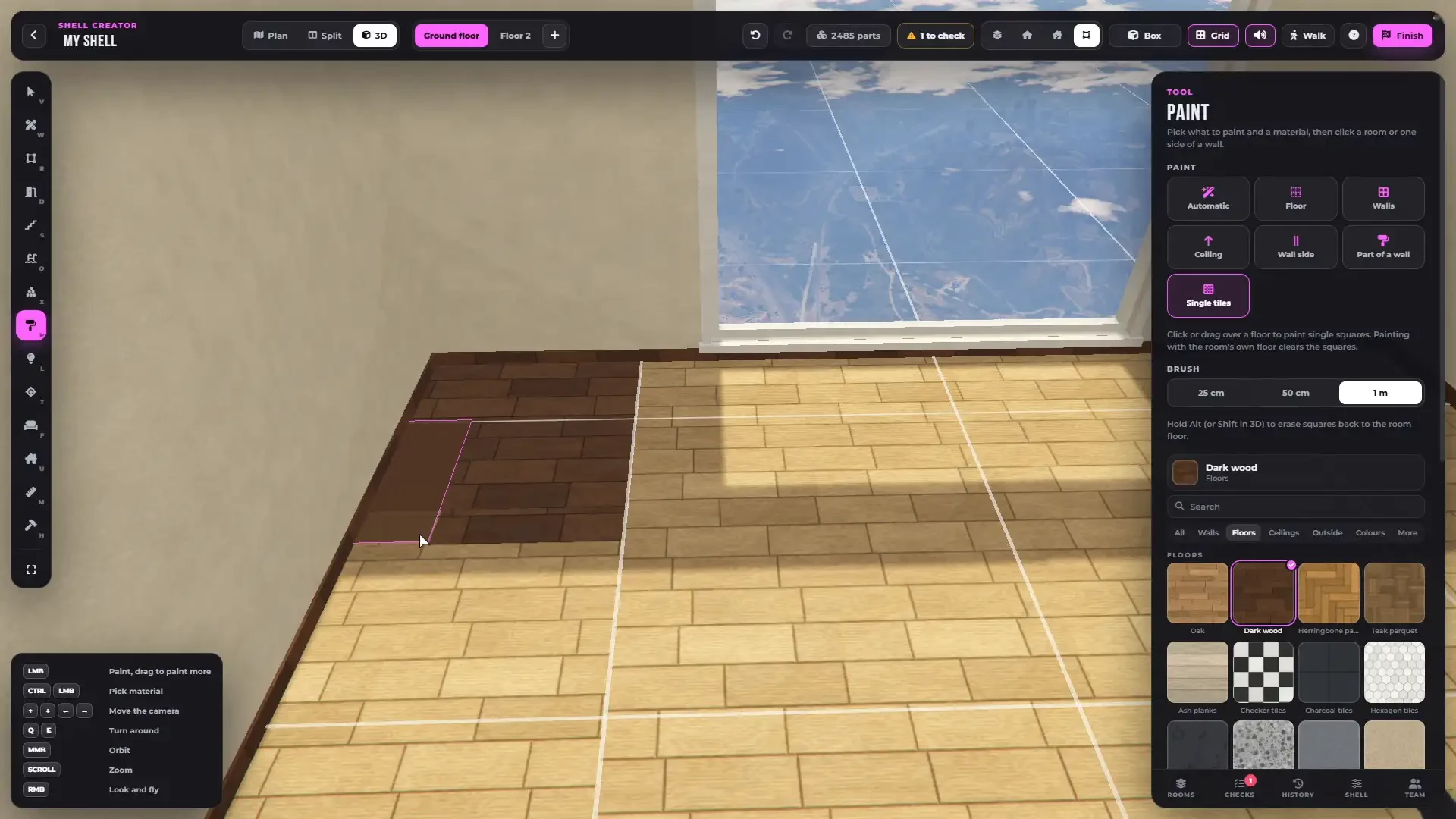
| **Single tiles**   | 25 cm squares, one by one                                         |

### Single tiles

<figure><img src="https://1804361591-files.gitbook.io/~/files/v0/b/gitbook-x-prod.appspot.com/o/spaces%2FCGSsnvBAI11nCFRWfpsr%2Fuploads%2F2bCB0xwYZT2NaKDjFjQk%2Fshell-creator-paint-tiles.webp?alt=media" alt="Painting single tiles"><figcaption><p>Painting a floor tile by tile.</p></figcaption></figure>

* Brush of 25 cm, 50 cm or 1 m
* Drag to paint many tiles at once
* `Alt` (`Shift` in 3D) erases back to the room floor

{% hint style="info" %}
`Ctrl + click` picks the material under the mouse.
{% endhint %}

Floor textures run on without seams from room to room.

***

## Materials

<figure><img src="https://1804361591-files.gitbook.io/~/files/v0/b/gitbook-x-prod.appspot.com/o/spaces%2FCGSsnvBAI11nCFRWfpsr%2Fuploads%2FmD33imgZ5boCefG05sC1%2Fshell-creator-materials.webp?alt=media" alt="The material palette"><figcaption><p>The material palette with search and recently used.</p></figcaption></figure>

**104 materials** in the palette, with search and the last 9 you used:

* **Walls** - plaster, stucco, brick, concrete, wood boards and slats, wallpapers, tiles, mosaics, marble, paint, siding, fabric and leather
* **Floors** - oak, walnut, ash, parquet, herringbone, tiles, marble, granite, terrazzo, slate, concrete, carpet and a gym floor
* **Ceilings** - white, panels, coffered and acoustic
* **Outside** - grass, gravel, pavers, cobblestones, flagstones, dirt, sand and decking
* **Metals** - dark, brass, black and white painted

***

## Colours

<figure><img src="https://1804361591-files.gitbook.io/~/files/v0/b/gitbook-x-prod.appspot.com/o/spaces%2FCGSsnvBAI11nCFRWfpsr%2Fuploads%2FJbYWASV5WdzGwBOkKv1N%2Fshell-creator-your-colours.webp?alt=media" alt="Your own colours"><figcaption><p>Your own colours from the colour picker, painted anywhere.</p></figcaption></figure>

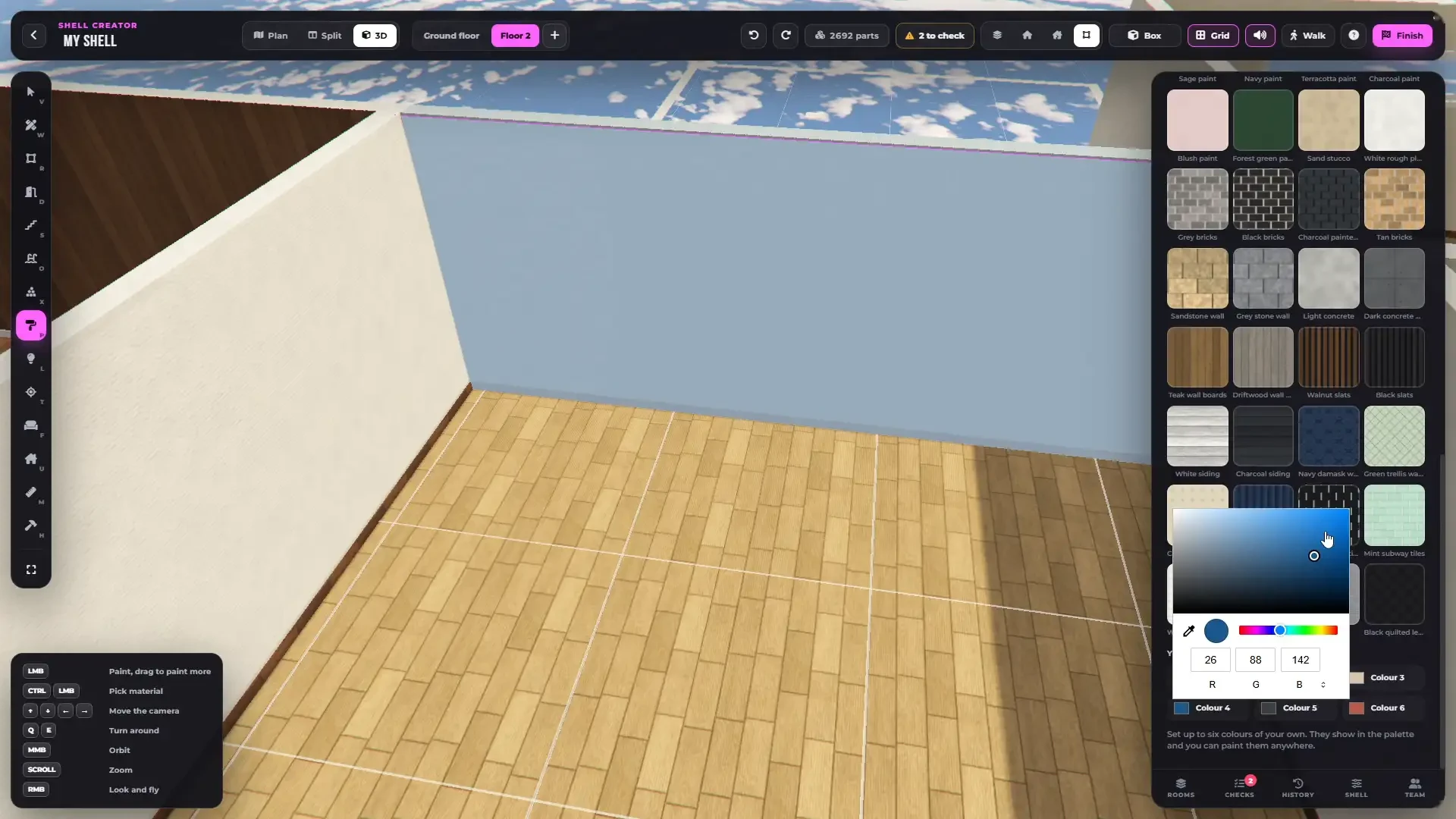
* **64 tint colours** on plaster and on painted wood
* **Your own colours** - 6 colours per shell from a colour picker, shown in the palette and paintable anywhere

***

## Your Own Textures

Drop your own PNG textures into `rtx_shellcreator/custom/` and restart the resource. They show in the palette under **More → Own textures**.

* Square PNG, **512 or 1024 px**, seamless
* 1 tile = 1 m
* File names with letters, numbers, `_` and `-`
* Up to **200** files in the library
* One shell can use **6** of them at the same time

{% hint style="success" %}
Finished shells and MLOs bake your textures in, so players do not need the files. Step by step: [Adding Your Own Content](/rtxdev/rtx-shell-creator/guides/adding-your-own-content.md#your-own-textures).
{% endhint %}

***

## Styles

**Apply a style** in the **Shell** tab repaints every room at once. Undo brings the old look back.

<figure><img src="https://1804361591-files.gitbook.io/~/files/v0/b/gitbook-x-prod.appspot.com/o/spaces%2FCGSsnvBAI11nCFRWfpsr%2Fuploads%2FSJ4gdvCvVpZbRCaoxGgz%2Fshell-creator-shell-settings.webp?alt=media" alt="Shell settings"><figcaption><p>The Shell tab - time and weather inside, skirting, mouldings, frames, the view outside and styles.</p></figcaption></figure>

| Style        | Look                                          |
| ------------ | --------------------------------------------- |
| Warm home    | Warm plaster, oak floors, tiled bathrooms     |
| Nordic light | White walls, ash floors, terrazzo             |
| City loft    | Red brick, concrete floors, ceiling panels    |
| Classic      | Striped wallpaper, coffered ceilings, parquet |
| Dark luxe    | Walnut boards, herringbone, black marble      |
| Beach house  | Whitewashed boards, ash floors, hexagon tiles |

***

## Skirting & Mouldings

Skirting boards and crown mouldings are real 3D trims. Set them for the whole shell in the **Shell** tab, per room, or per wall.